Example builds / Penhallow Electrical
How we'd build a website for an electrician
Penhallow Electrical is a made-up electrician in Truro, rated 4.9 from 127 Google reviews. This is the site we'd build for him, and the reason behind every part of it.
Example build. Penhallow Electrical is not a real business.
Brilliant reviews. A website that hides them.
It's common. When we went through the websites of 28 UK electricians and builders with strong Google reviews, 18 didn't show their rating or review count anywhere on the homepage. The Google profile is full of happy customers, and the website shows none of them. The number is at the bottom of the page, and nothing on it shows why he's good.
The before is an illustration of a typical trade site. Drag the handle to compare.
What we did, and why
Nothing on the page is there for decoration. Each part has one job: to get a stranger to trust him and ring.
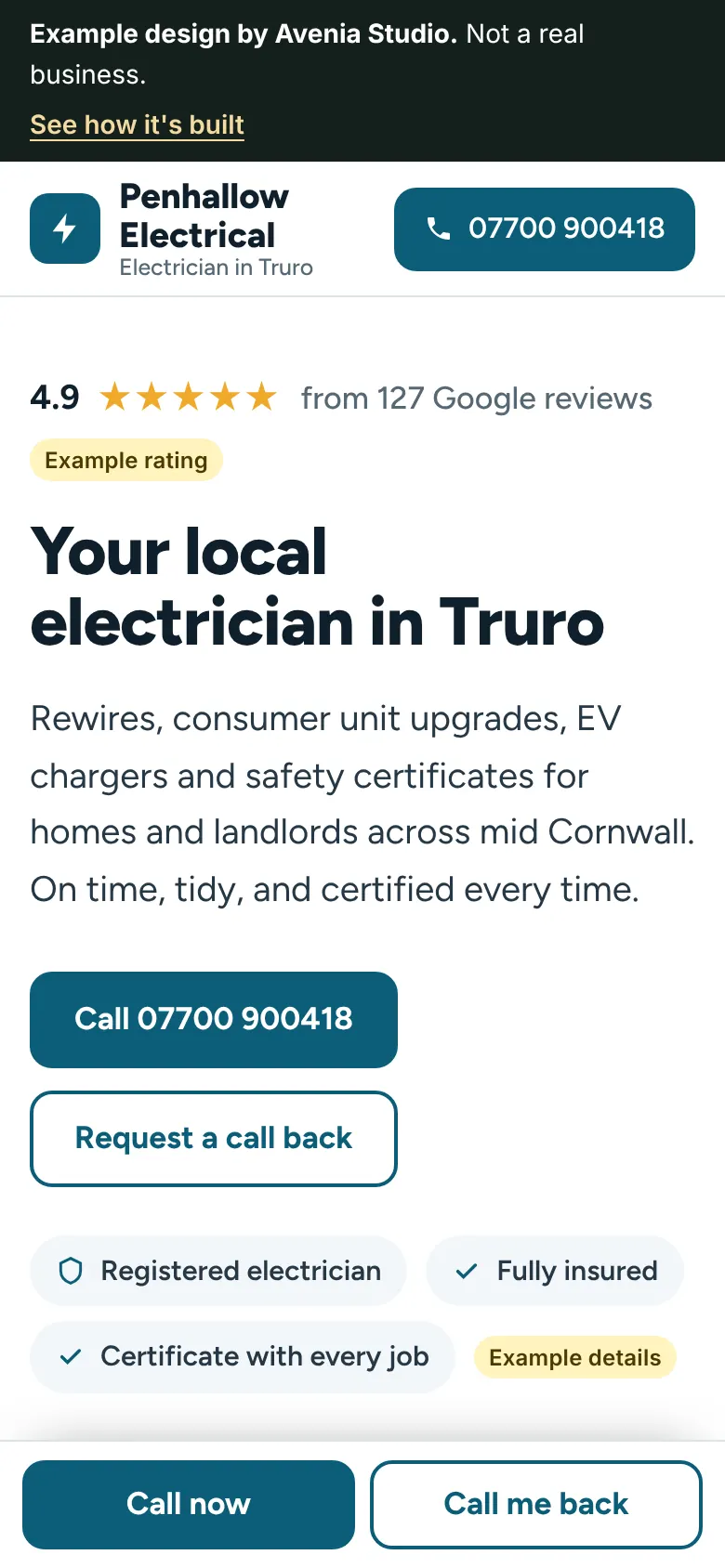
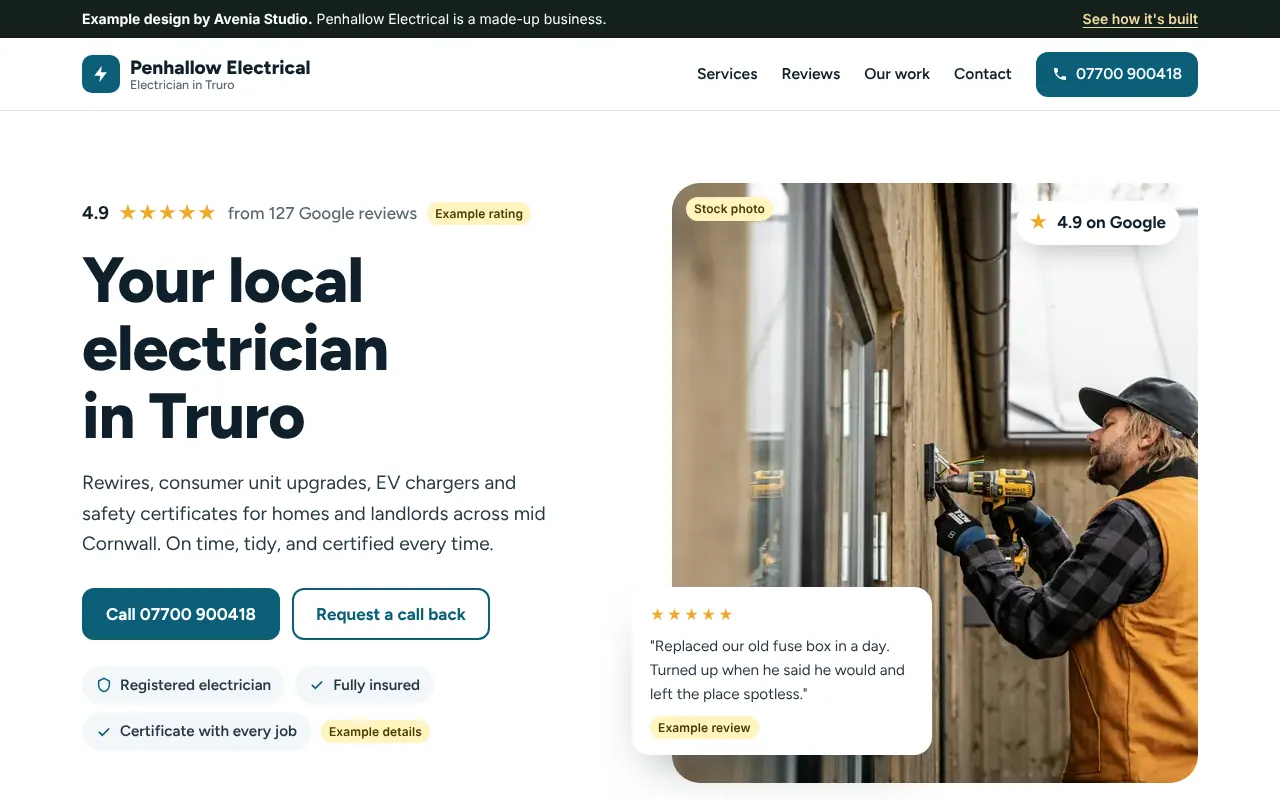
The rating goes in the first line
"4.9 from 127 Google reviews" sits above the headline, before anything else.
Why: many visitors come from a recommendation and just want a quick check. The rating answers "are they any good?" before they scroll.Two ways to call, always in reach
A call button in the header, and a bar at the bottom of the phone screen that stays there the whole way down.
Why: electrical problems are often urgent, so the call button should never be more than a tap away.Services in the words people search
"Consumer unit upgrades", "EV charger installation", "Landlord safety certificates".
Why: these are the words people type into Google. Using them helps Google understand what he does, and helps people see they're in the right place.Every job has a place name
"Landlord safety check, Falmouth". "EV charger, St Austell".
Why: it tells people he works near them, and it shows Google which towns he covers.Landlords get their own line
Safety certificates for landlords and letting agents have their own service and their own question.
Why: EICRs are steady, repeat work. Naming landlords speaks straight to them.A call-back form for the lunch break
Name, number, the job and the best time to call. Four fields, nothing more.
Why: some people look you up at work and can't ring. The form gives them another way to get in touch.Smaller than one photo from your phone
The first screen of this site is under 150 KB on a phone. A single photo from a modern phone is usually several megabytes. A page that small opens quickly.
- No WordPress, no plugins to update
- Photos sized for phones, and loaded as you scroll
- No tracking, so no cookie banner in the way
Yours would use your own reviews, photos and words
Same thinking, built around your business. The draft is free, and you see it before you decide anything.
Get your free draft in two steps
First, a quick check of the website you've got now. Then tell us where to send your draft. It takes about two minutes, and you don't pay anything unless you want the site live.
How does your website score?
Seven yes or no questions. No website yet? Just answer no.
Can someone ring you with one tap on a phone?
Are your Google reviews on your homepage?
Does it show your rating and how many reviews you have?
Can people ask for a call back without ringing?
Are there photos of your own jobs, with where they were done?
Are your approvals on show and linked to the register?
Does it load quickly and work properly on a phone?
Your score shows here as you go.
Where should we send it?
We'll build your draft from your Google profile and website.